
Because videos size are much larger than images, for the performance and security consideration, we do not recommend directly upload your video to our system. Instead of directly upload, we can embed video from 3rd party video platform like YouTube, Vimeo, TED, etc. For the details and the full supported platform list, go to below link:
https://codex.wordpress.org/Embeds
You can upload your video to these platform first, then use the video’s URL to embed it in your post, I recommend YouTube or Vimeo, below are uploading tutorial links:
YouTube: https://support.google.com/youtube/answer/57407?hl=en
Vimeo: https://vimeo.com/upload
After upload, find the video URL, the URL is the URL you use for watching the video
 Notice: Both YouTube and Vimeo have the option to make your video private, you set a list to control who can view your video.
In order to add a video to your post, you must first insert your cursor in the place in the text where you want the video to appear. Once you’ve placed your cursor on the line where you want your video to appear, click Add Media button.
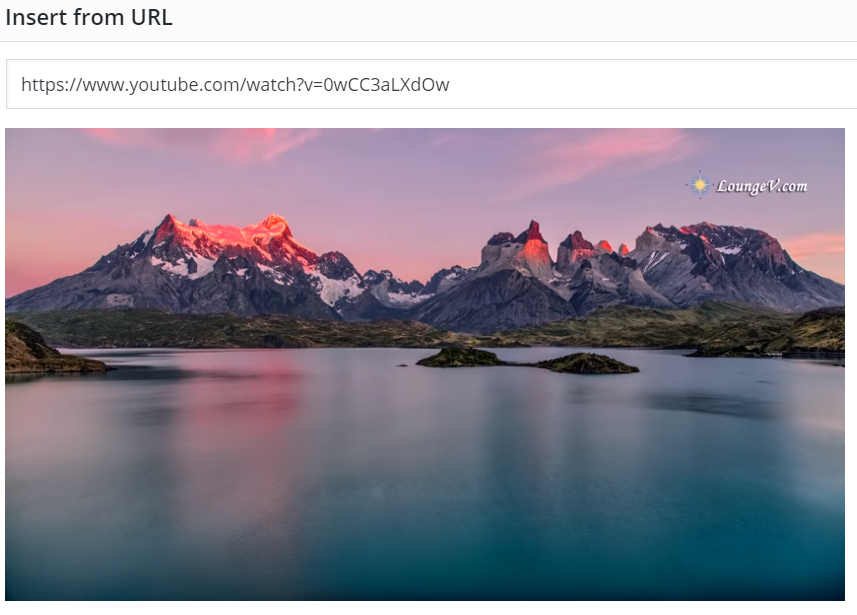
Go to Insert from URL tab, paste your video’s URL here, please notice only supported platform’s URL is working. Wait about 2 sec, if everything is ok, video preview will appear. Then click Insert into post button to finish insert the video.
 Notice: as the same to image, video also have a responsive design, so you do not care about the video’s width, it will fit the screen automatically.