WPFront User Role Editor Plugin is used to create custom roles. Custom user roles are based on your organization AD Groups, one AD Group should match one custom user role. So before you start to add the custom user role, you should know what AD Groups exist in your organization and which AD Groups you want to add in HelpWiki system.
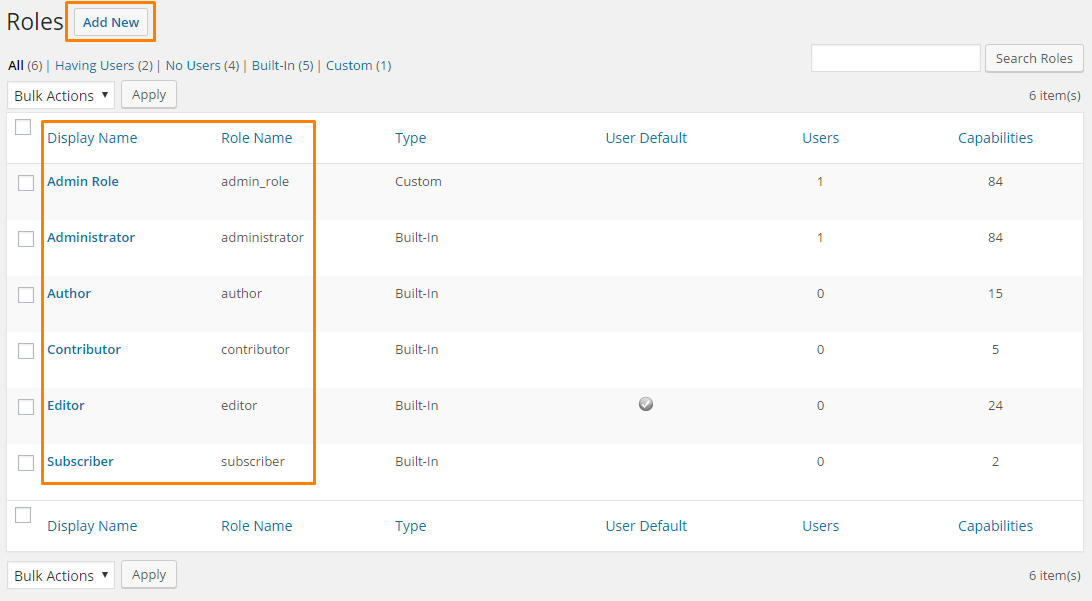
Go to Roles tab, there are six roles here by default, five is built-in role, one is custom role, please do not delete these roles, then click on Add New button.
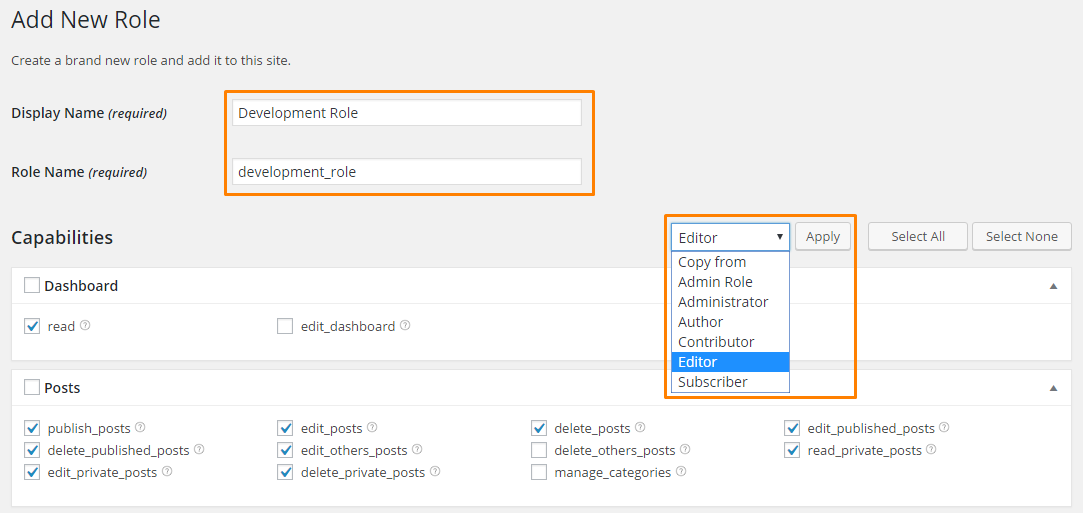
Input the role Display Name, the Role Name will automatically generated. For ease of identification, this name should match the AD Group name, for example, if you AD Group name is Development, then the custom role name should be Development Role.
Click on Copy from drop-down menu, select Editor, and then click Apply button. You do not need make any capabilities changes here, so after you click Apply button, scroll down to the bottom, click on Add New Role button. Based on how many AD groups you have, you should repeat this operation until you finish adding all custom user roles.