
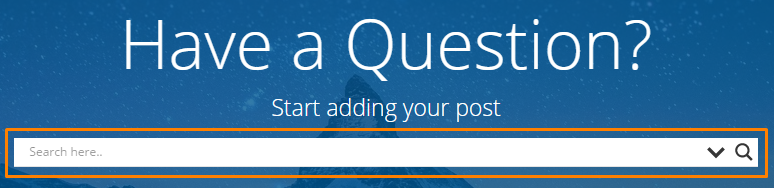
To start a search, you need find the Search Bar first. Search Bar exists in all pages of HelpWiki. In Home page, search bar at the header of the page,
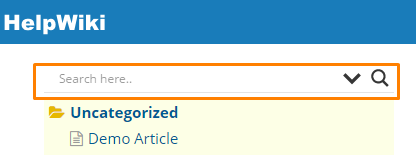
In other pages, search bar at the top of left sidebar menu,
Enter your searching keyword in the search bar, note that it need a minimal character count to trigger the search, the default number is three. There are two views of your search result, one is AJAX view, and this view will pop up immediately after you entered your keyword. In this view, if you click the post title it will redirect you to the post page.

Another view is a separated search result page, after you entered your keyword, if you click the more results… link or press the Enter button on your keyboard, it will redirect you to a new page which list the search results.