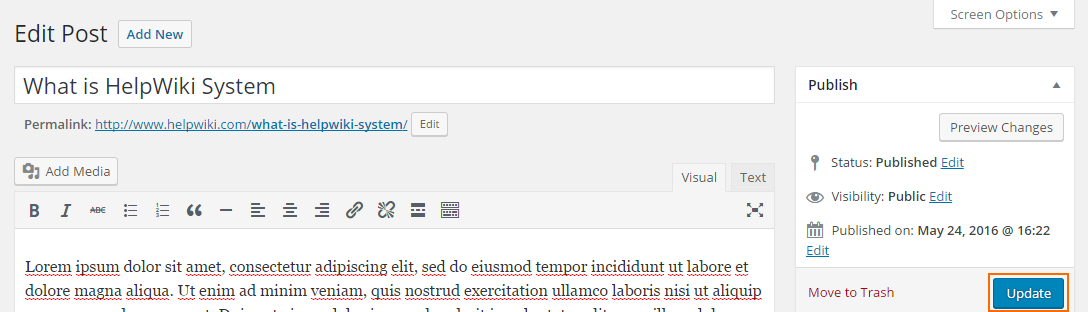
After login, if you are at front-end panel and have edit right of the post, then there should be a small Edit button in the post page, click this button will redirect you to this post’s edit page.
If you are at admin panel, go to Posts tab and click All Posts sub-tab, in the Posts page find the post you want to edit, then click the post title or edit button to start edit the post.

After you finished editing, click Update button to save your work.